
An APK, or Android Package Kit, is the file format used to install applications on Android devices. A Spotify APK contains the files needed to install the Spotify application on a compatible Android phone or tablet.

Spotify Premium APK Download Latest Version Real
Enjoy ads-free listening, offline downloads and unlimited skips on Android and on PC
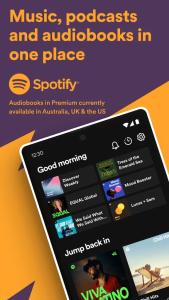
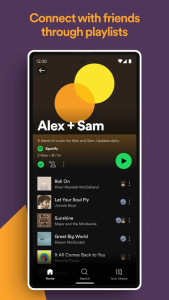

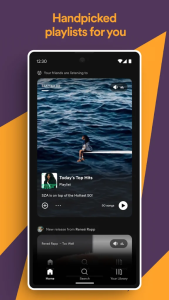


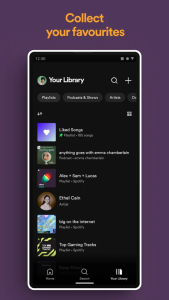

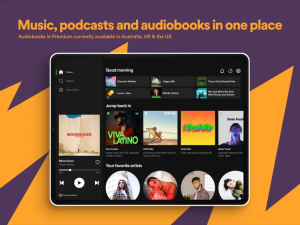

What You Will Enjoy with this Download !
Unlocked Track Selection
Ads-Free Listening
High-Quality Audio
No root required
Specifications of Latest Version of Premium Mod APK
| Name | Spotify Premium APK |
| Size | 76.6 MB |
| Version | v9.1.46.1922 |
| Mod Features | Premium Unlocked/No Ads |
| Rating score | 4.5 |
| Category | Entertainment APK |
| Developer | Spotify AB |
| Requirement | Android 7 |
| Download | 1000,000,000+ |
| Price | free |
| Updates on | October 6,2026 |
How to Download Spotify on Android
Step 1: Enable Unknown Sources
Because this is a third-party application, Android requires you to allow installations from outside the Google Play Store.
- Open your phone’s Settings.
- Go to Apps & Notifications (or Security & Privacy depending on your phone model).
- Tap on Special App Access and select Install Unknown Apps.
- Choose your web browser (like Google Chrome) and toggle the switch to Allow from this source.
Step 2: Download the APK File
- Scroll to the official download section on our website.
- Click the Download Spotify Premium APK button.
- Wait for the file to finish saving to your device.
Step 3: Install the Application
- Open your file manager app or simply pull down your notification bar.
- Tap on the downloaded .apk file.
- A prompt will appear asking if you want to install the application. Tap Install.
- Wait a few seconds for the installation process to complete.
Summary
Aggregate Rating
5 based on votes
Spotify
Operating System Android
Software Category APP
Price
USD 0
Landing Page